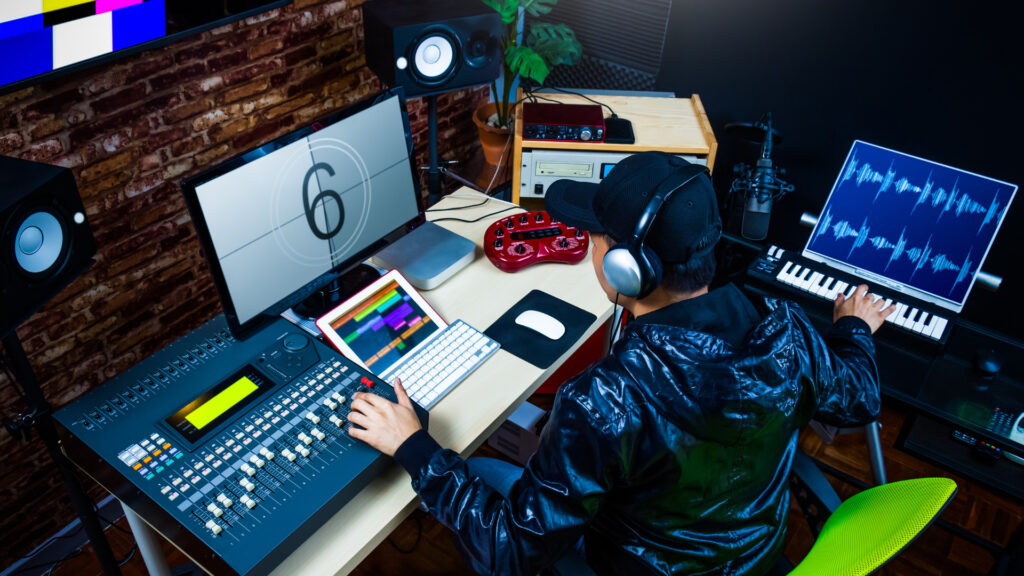
In this digital age, audio production has become a compulsory skill for anyone developing internet, entertainment and media content.
We all know that audio can make or break a video or presentation. And yet, we don’t always know how to create professional audio.
In this sense, there are very good tools to accomplish this task. Audacity is the most popular, free, cross-platform and easy-to-use software for audio editing and recording. It has all the audio functions you would need for most projects.
8 Core Benefits Takeaway After Completing This Course
The Audio Editing and Recording course is designed to put your skills in motion and provide you with practical tips and techniques to edit audio. It helps you learn how to use professional-grade audio editing software.
All you need is a little basic IT skill to start.
This course will teach you how to edit your recordings and make them sound great.
Record high quality audio files
Trim, copy and repeat audio regions with confidence
Apply professional effects: equalization, compression, reverb, echo, pitch shifting and many more!
Trim, copy and repeat audio regions with confidence
Apply professional effects: equalization, compression, reverb, echo, pitch shifting and many more!
Convert audio files from WAV and AIFF to FLAC, mp3, Ogg Vorbis and others
Mix and render files or songs
Adjust the volume of different tracks
Cut clips and unwanted noises
Remove silent gaps from a song
You can study a couple of lessons in only 15 minutes! You will learn step-by-step the tricks that most audio professionals use everyday.
The topics covered in this Audio Editing and Recording are:
The topics covered in this Audio Editing and Recording are:
Lesson 1 –
Getting the Audio Editing And Recording Software
Lesson 2 –
Installation Process
Lesson 3 –
Launching the Audio Editing & Recording Software
Lesson 4 –
Recording and Playback Volume
Lesson 5 –
Save Your Project
Lesson 6 –
Adding New Audio Track to Your Project
Lesson 7 –
Importing Audio into Your Project
Lesson 8 –
Using the Generate Function
Lesson 9 –
Exporting Your Audio
The entire course builds on the top-notch
Learning Management System
platform and uses the latest Edtech which will give you the best learning experiences
Learn anytime, anywhere &
self-paced learning
Improve learner engagement
Watch & re-watch every lesson
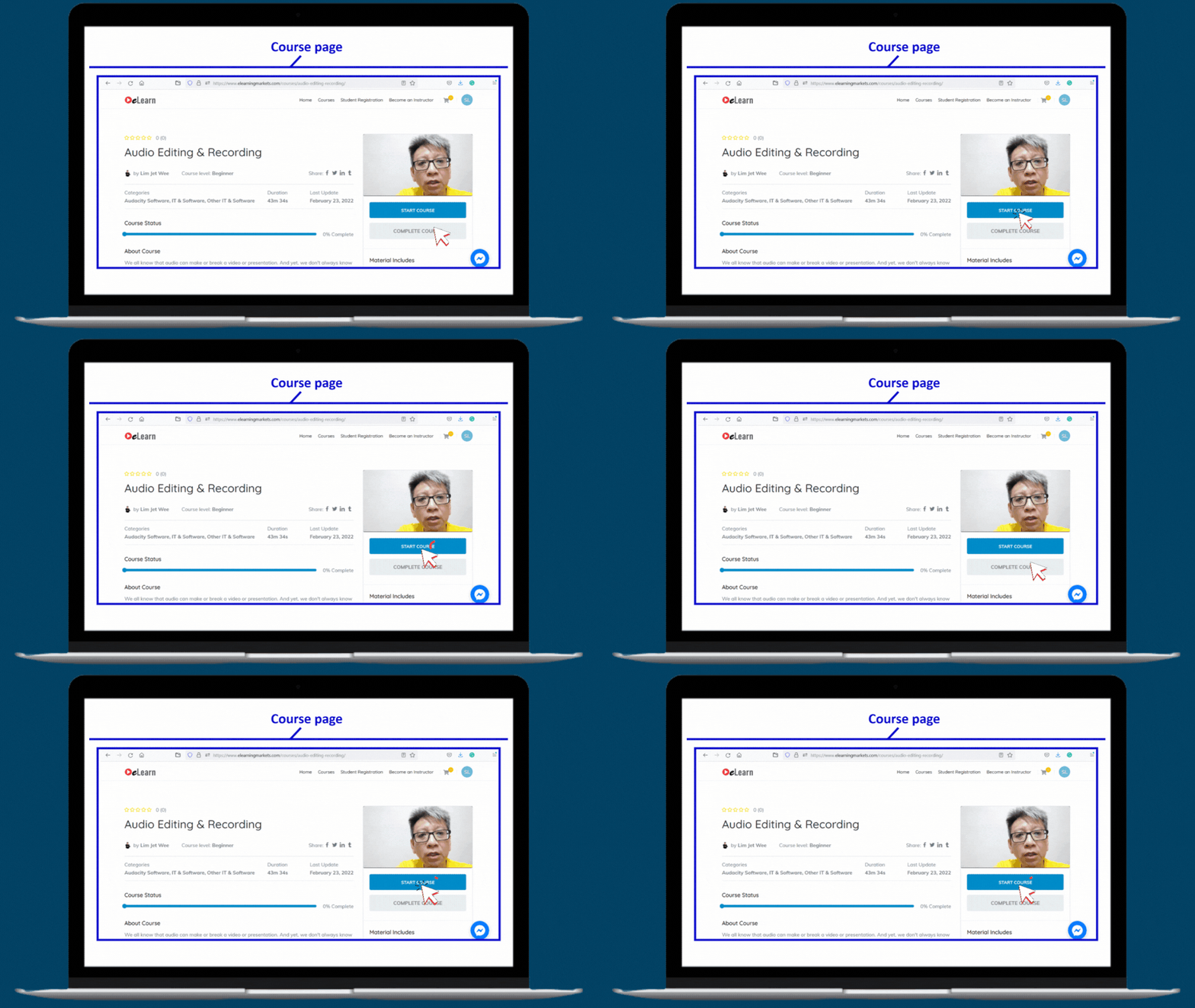
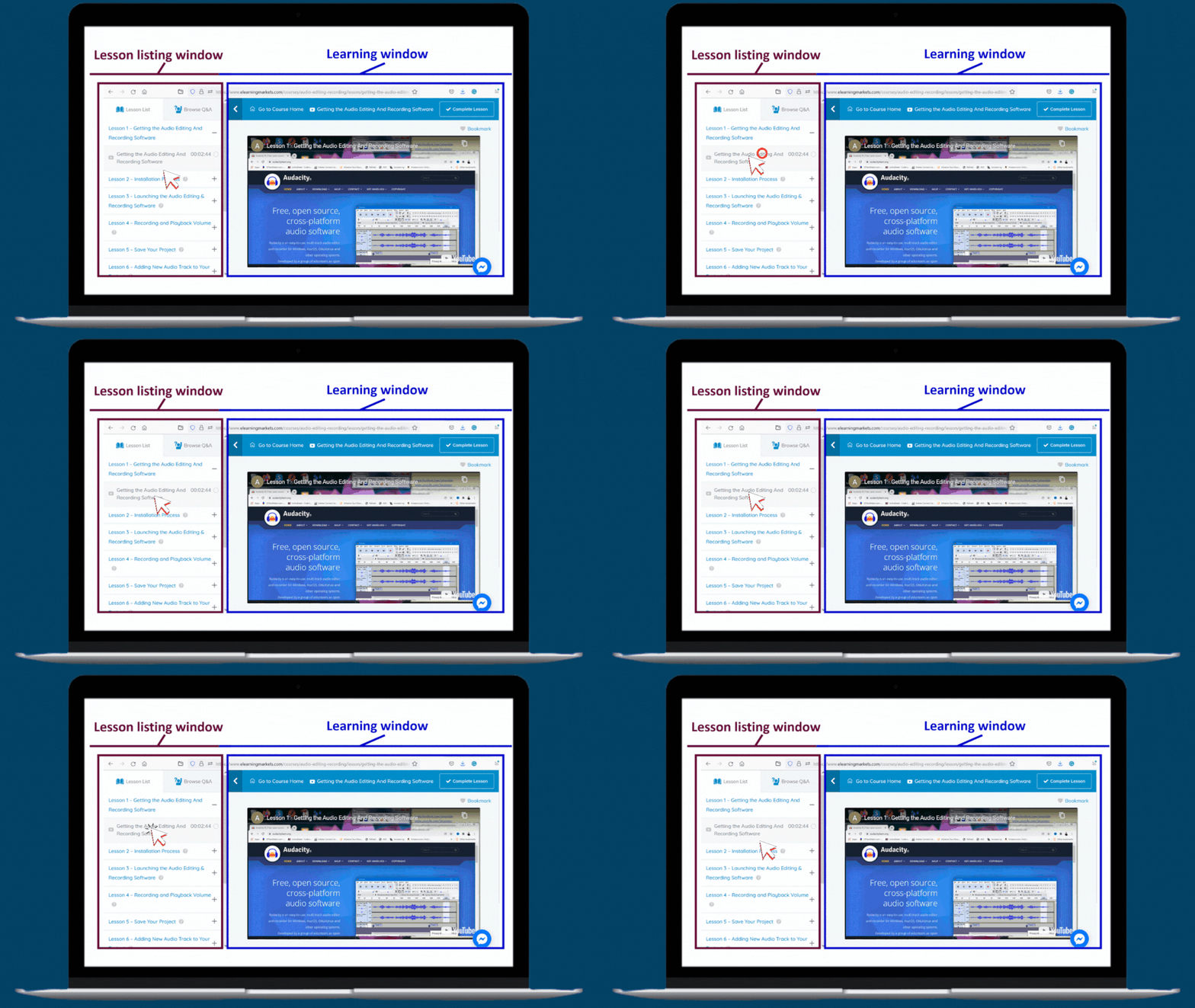
Click the desired lesson to start/continue learning
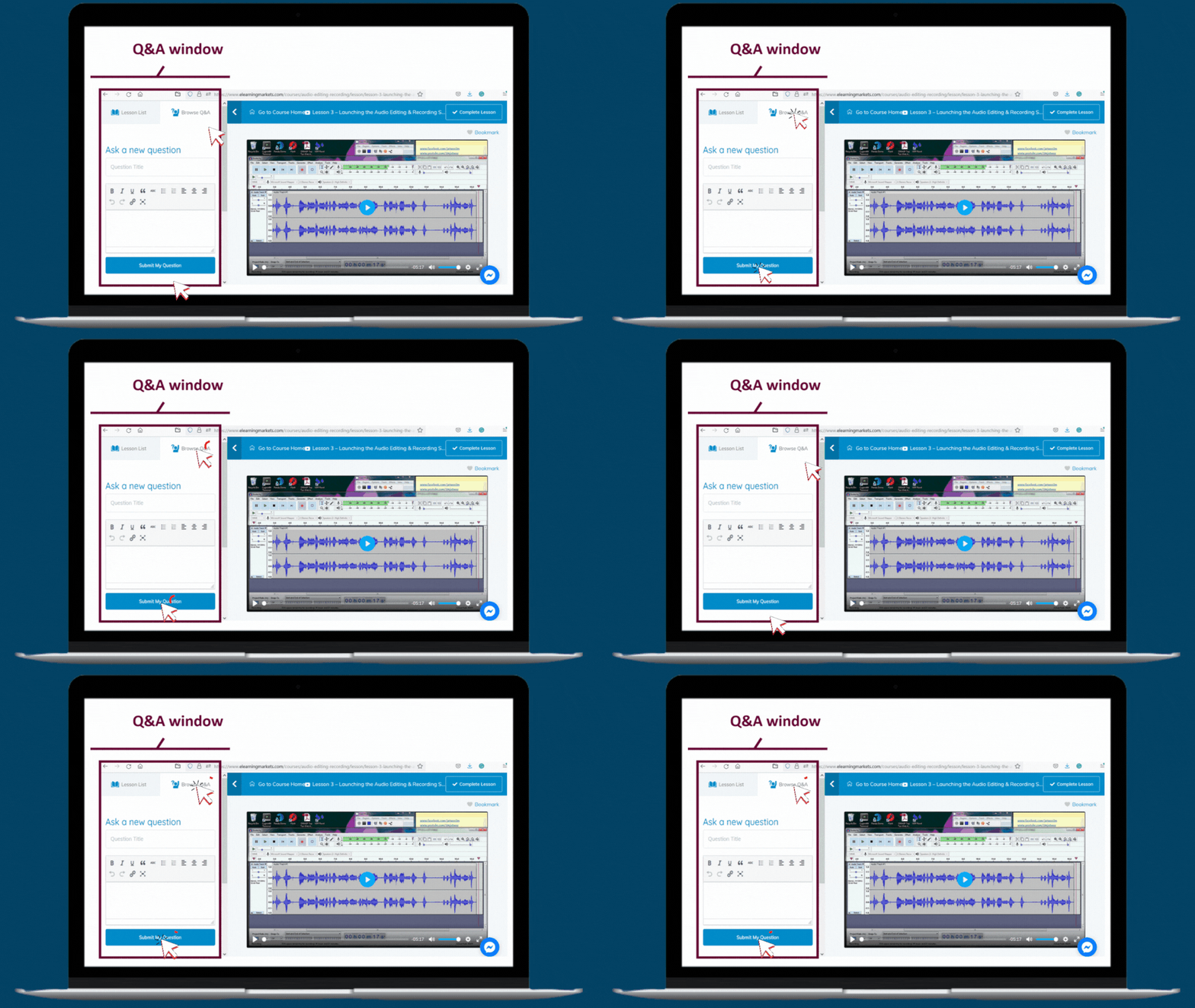
The learner can interact freely with the Q & A window in their dashboard where can ask a question to instructor.
Instructor will be notified and reply to the question accordingly.
Trainer profile
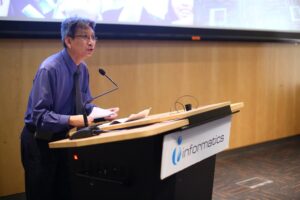
Lim Jet Wee
Mr. Lim Jet Wee has 21 years experience in professional training and has a Bachelor of Information Technology (Major in Software Development).
Prior joining Informatics Group, Mr. Lim Jet Wee specialized in the Manufacturing / Enterprise Resource Planning system. His experiences cover from SME to MNC companies like Matsushita (National Panasonic).
In recent years, he has ventured into other segments of the IT field in order to align himself to the emerging technology as well as a systematic diversification. The most recent venture made is into Networking and Cyber Security.
His professional trainer background has indeed helped him in handling the everyday teaching in the ITE (I.T Education) team in the institute.
In his pursuit of being a better educator, he completed the Adv Cert in Training & Assessment from WDA. With experience as Programme Leader (Adv Diploma in Computing / Network & Computer Security leading to Bachelor in Science from OBU) as well as mentorship. Mr. Lim has a strong knowledge of the background working on the institute’s moderation and validation processes. In 2005.
Mr. Lim was awarded the Excellent Service Silver Award, which is a national award that recognizes individuals who have delivered outstanding services.
Right now, he is a Technopreneur on his own.
Featured in
If you want to learn how to record and edit audio in a clear and efficient way, this course is for you!
You will get the explanations and see how to do it step-by-step in Audacity. This course is great for musicians, editors, podcasters, video producers, DJ’s and audio enthusiasts in general.
Don’t Wait! Join Now!
You are about to get instant access to this best-selling product.